Understand the canceled state
In this State, the assignment is considered done, with the work unfinished, and no further changes can be made to the assignment details.

- Inspire asks you for a confirmation before you can change the State to Cancelled.
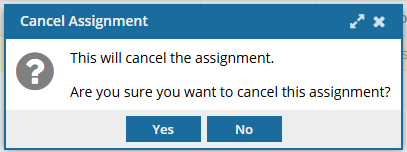
- If you select Yes, Inspire notifies the assignee and project owner automatically.
- This change of State can only be undone by a project owner.
A project owner or user with permissions can take the following actions on an assignment in this state:
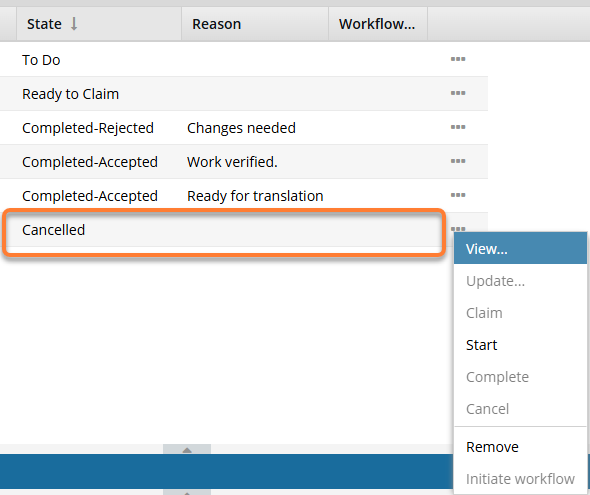
- View: Open the View Assignment screen to see any of the settings. This screen is read-only and you cannot make any changes to the assignment.
 Project Coordinator can perform this actionAssignee can perform this action
 - Start. Restart the work as described in the assignment. Inspire automatically updates the State to In Progress. Project Coordinator can perform this action
 Assignee can't perform this action
 - Remove: Asks for a confirmation.
If you select Yes: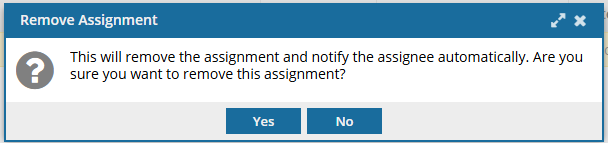
- Inspire deletes the assignment.
- Inspire sends a cancellation notice to any users assigned to complete the work.
- The record is deleted from the Assignments panel.
Project Coordinator can perform this actionAssignee can't perform this action