Work with review workflows
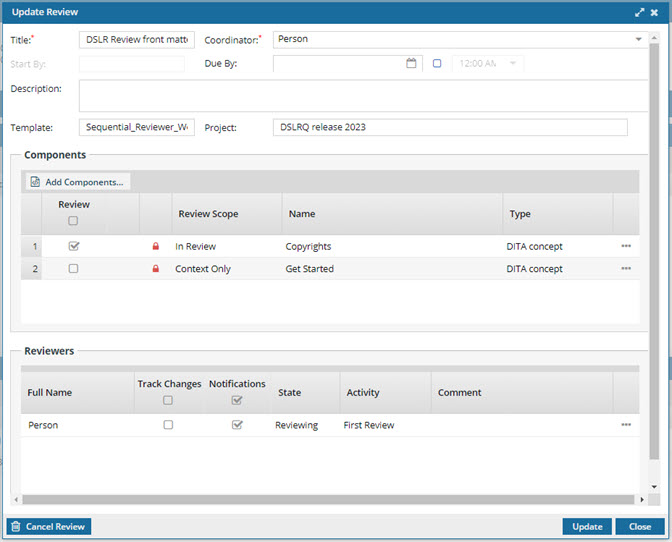
Users with permissions can easily update workflow details to make changes to the components being reviewed and the users who are completing the reviews.

 Tips and tricks
After you open a project, you can go to the Workflow pane, and for any review workflow use  the Options menu to:

- Go to—Open the Reviews Management tab and see the review highlighted. Read Go to a review from the workflow pane.
- Open review—Open the review editor to select a topic and review it. Read Open a review from the workflow pane.
- Create report—Open the Review Report screen to select report options and create the report. Read Create a review report from the workflow pane.
 The options available to you when updating a Sequential Reviewer workflow are different than those available for a topic workflow. For more details, read Work with topic workflows.