Start a workflow from the project's Selected Components panel
If you want to start a workflow by first selecting the project components you need to include, you can start the workflow from the project's Selected Components panel. Then you must select the template that contains the process you want to use. Finally you add the due dates, and assign the initial task.
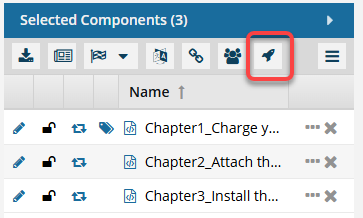
 This option is available for Topic workflows ONLY.
 This option is also available in the Component's Browser.