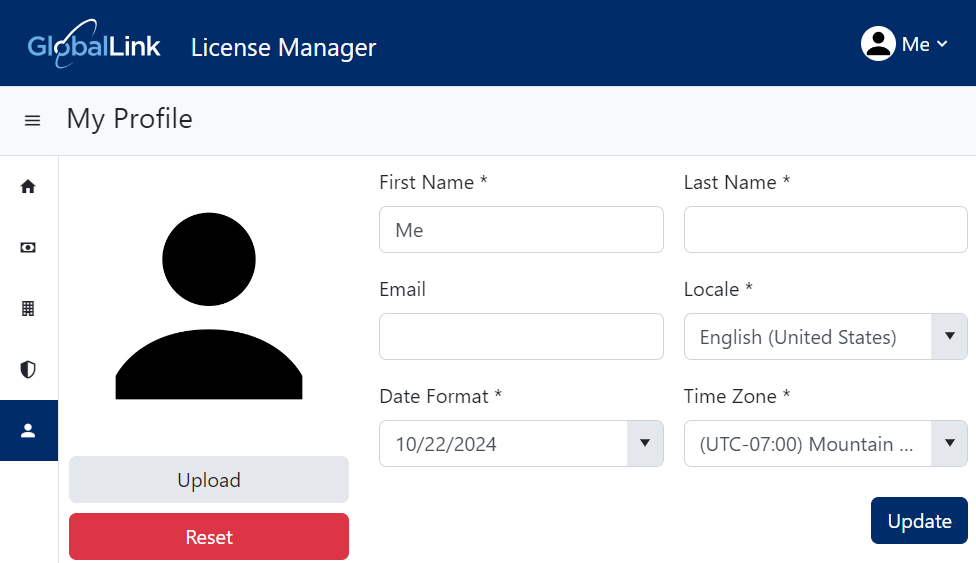
Add or change your profile image
You can see your profile image in the top right menu, next to the  Notifications,
  Send Feedback, and
  Help / FAQs menu options. Your profile image is also displayed whenever you're added as a participant in a review or given an assignment.
 Tips and tricks
Use supported image:
- Types. Use an image file type of JPG, PNG, or BMP.
- Sizes. An image file must be no larger than 4MB. Images scale to 90x90 pixel

To add or change your profile image:
-
In the top right corner of the Inspire menu bar, click
 the default profile picture or the one you previously added.
-
Select My Profile...
You'll see your user information in the GlobalLink Vasont License Manager, on the My Profile page.