Remove attachments in bulk from project components
If you attached multiple files for reference and want to remove all attachment relationships at once, use the Selected Components panel. Removing a file from the attachments list does NOT remove the file from Inspire.
 Tips and tricks
- If you want to see all the components that have a relationship type of attachment to a component, right-click the component, select Component Details, and then select the Attachments tab.
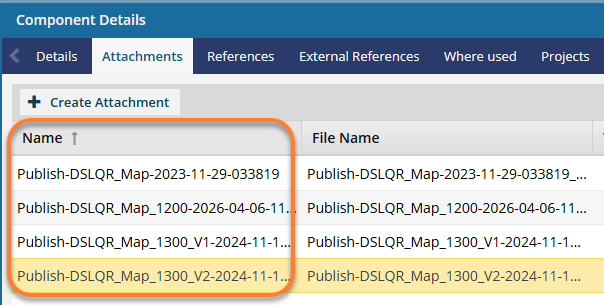
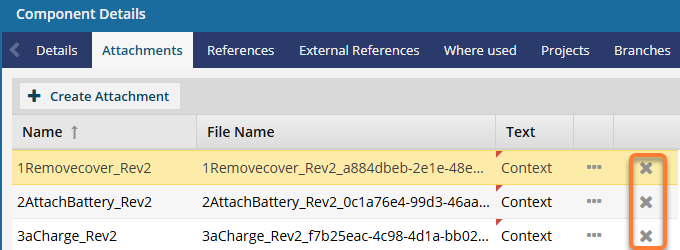
- Using the Remove Attachments option on the Selected Components panel has the same effect as removing them one by one on the Component Details' Attachments tab.
- You can also use this option in the Components browser. Follow the steps in: Remove relationships to attachments in bulk.

To remove attachments in bulk from project components:
-
Click
 Projects.
-
On the Selected Components panel, select
 Remove Attachments.
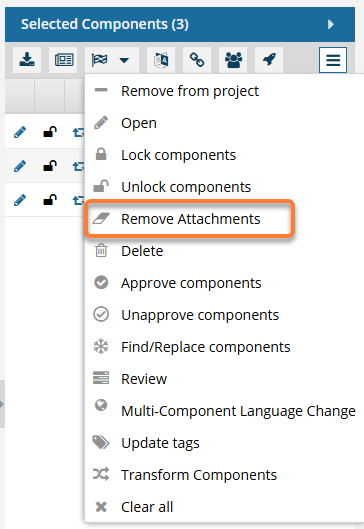
 Results: The components previously listed on the Component Details' Attachments tab are no longer listed.