Send feedback
As an Inspire user, your ideas are important to us! Use the Send feedback option to let us know what you love about Inspire, how you use it, or if you encounter a problem.
The option to send feedback  is at the top of the Inspire screen next to the
  Notifications,
  Profile, and
  Help icons. You can access the Send feedback option from every screen in Inspire, no matter what you're working on.

You can do one of the following:
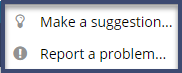
- Make a suggestion...
- Report a problem...

 Your privacy is important to us!
To learn about these privacy issues:
- What type of information does Vasont Systems collect from you?
- How does Vasont Systems use my information?
Read the Vasont Systems Privacy Policy
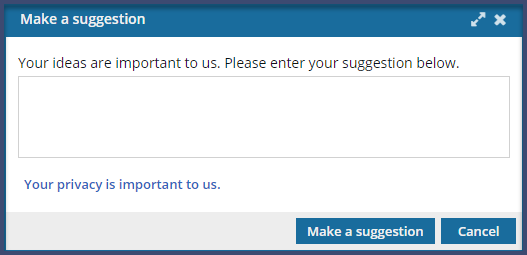
Make a suggestion
-
At the top right side of the Inspire screen, click Send feedback.
-
Click Make a suggestion.
 Results: Inspire closes the screen and sends your comments to the Vasont support team.
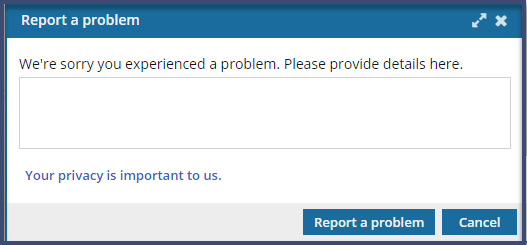
Report a problem
-
At the top right side of the Inspire screen, click Send feedback.
-
Click Report a problem.
Results: Inspire closes the screen and sends your comments to the Vasont support team.