Save and close the component
When you need to save your work in the Oxygen-based editor, you can choose to submit all your changes. This option closes and unlocks the document for others to edit.
To save and close the component:
-
In the toolbar, click Save and Submit
 .
.
 You may see a prompt to add a check-in comment. When you're working in the Oxygen-based editor, if you use Save and Submit to upload your changes to the Inspire database, you may be prompted to enter a check-in comment before the editor closes. You only see the Component Comment screen if an administrator turns on an optional feature.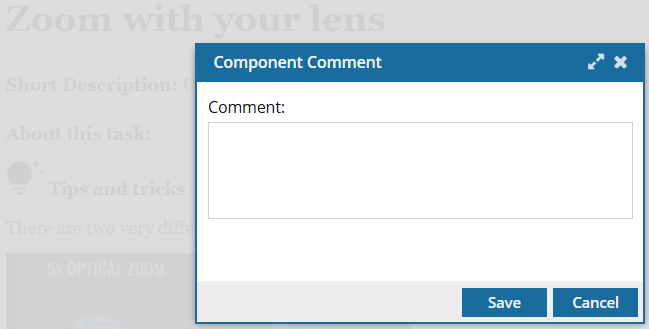
 The comment is optional and can be left blank.
 - If no comment is entered and the user selects Save or Cancel, only the changes to the component are saved and the Oxygen editor closes.
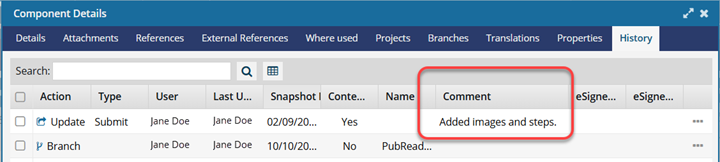
- If a comment is entered and the user selects Save, both the changes to the component and the comment are saved. The comment can be seen in a Comments column in the following places: Components browser (hidden by default), Component's History record, Changesets tab.
If you can Edit References In Place, and you make changes only to an expanded reference, then your comment will appear only in that edited component's History record.